🔔 Opsgenie
Use the interactive kwatch manager to configure Opsgenie alerts. It stores credentials in Kubernetes Secrets and verifies the installation. The configuration fragments below explain provider settings; they are not separate installation steps.
| Parameter | Description | Required |
|---|---|---|
alert.opsgenie.apiKey | 🔑 API Key | Yes |
Configuration example
alert:
  opsgenie:
    apiKey: "${file:/config/opsgenie-api-key}"
Routing Pro
alert:
  opsgenie:
    apiKey: "${file:/config/opsgenie-api-key}"
    routes:
      - namespaces: ["production"]
        severities: ["high", "critical"]
      - reasons: ["OOMKilled"]
Retry
alert:
  opsgenie:
    apiKey: "${file:/config/opsgenie-api-key}"
    retry:
      maxAttempts: 5
      delay: 5s
Fallback
alert:
  opsgenie:
    apiKey: "${file:/config/opsgenie-api-key}"
    fallback: <another_provider>
Compact mode
alert:
  opsgenie:
    apiKey: "${file:/config/opsgenie-api-key}"
    compact: true
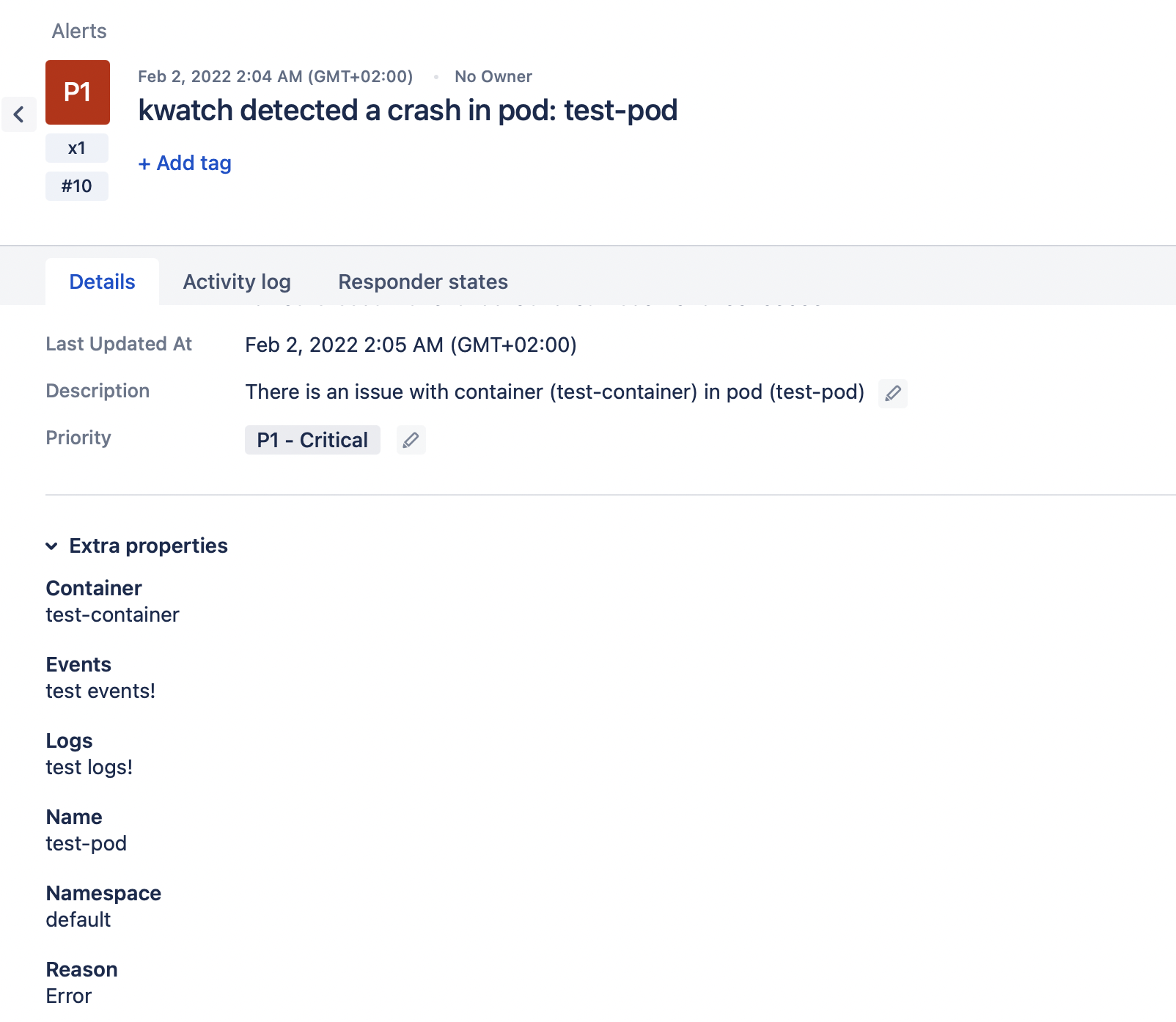
Screenshot
Related
- Opsgenie provider settings for every field
- All alert providers and troubleshoot missing alerts